Download Our Mobile App
Tracking Your Investments Has Never Been Easier, Apple and Android Versions Available

Check your balance. Invest. Stay on top of your investing world.
You invest for who and what matters most, so it’s important to see your progress and stay on track. Knowing your status today can help you decide what the next step may be for goals such as retirement, education or financial independence. The app is another way to help you get there.


Available for iOS 15 and higher.

Our app allows individual investors to track mutual fund, brokerage and workplace retirement participant accounts.
Currently 529 college savings accounts are not included. Additional features are in the works.
Need Help? View FAQs
Check Balances on the Go
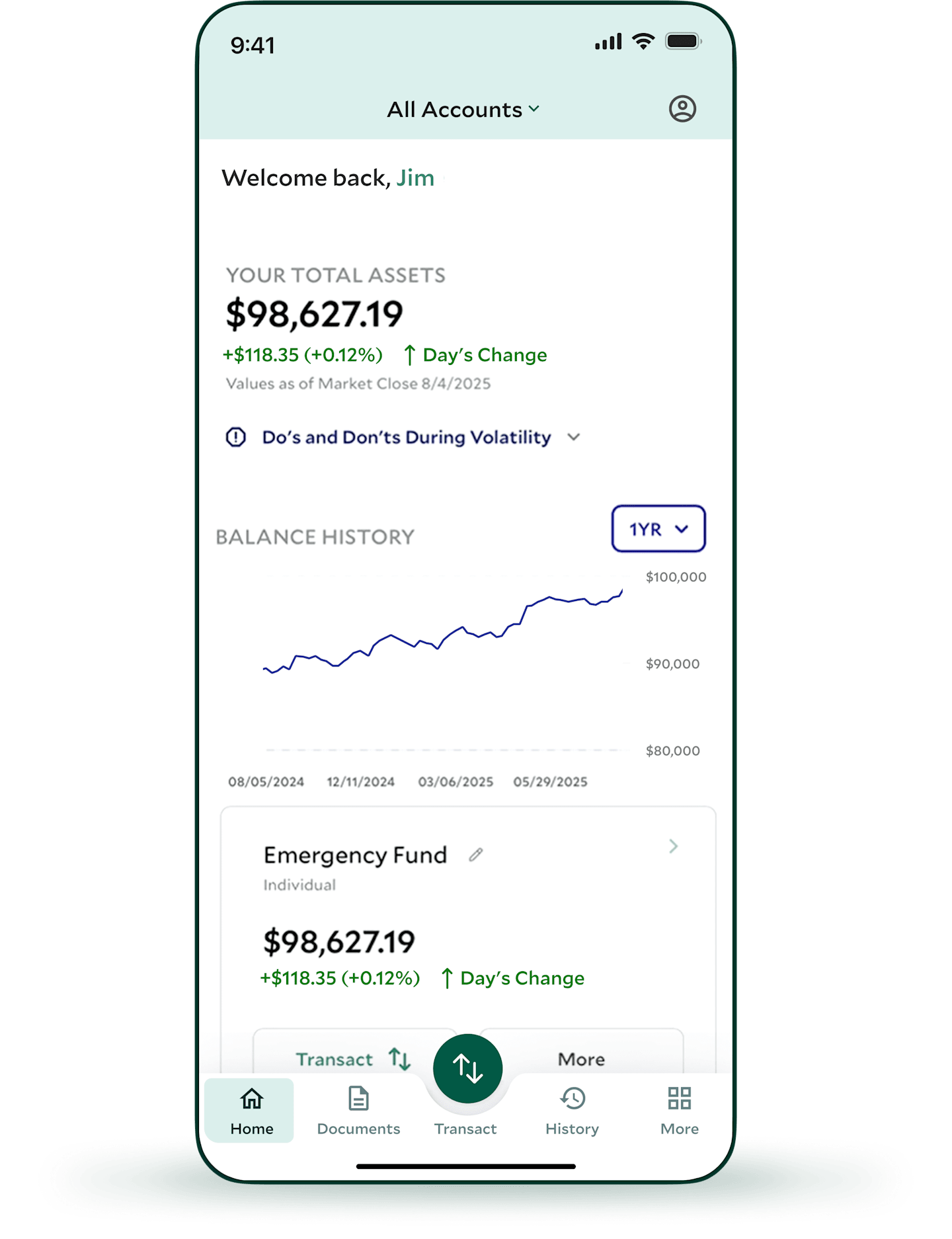
The dashboard shows your American Century Investments® accounts in one place, where you can view:
Your total balance.
An interactive balance history chart that you can tap and drag to see a custom time frame or a specific day’s balance.
The balance of each individual account—and the ability to personalize its name for easier tracking.
Your investment performance.
The percentage of change from day to day.
You can also review up to two years of transactions or download the full history when selecting History from the toolbar.
Transaction history not available for workplace retirement plan, 529, brokerage or Private Client Group accounts.
Invest More for Your Goals
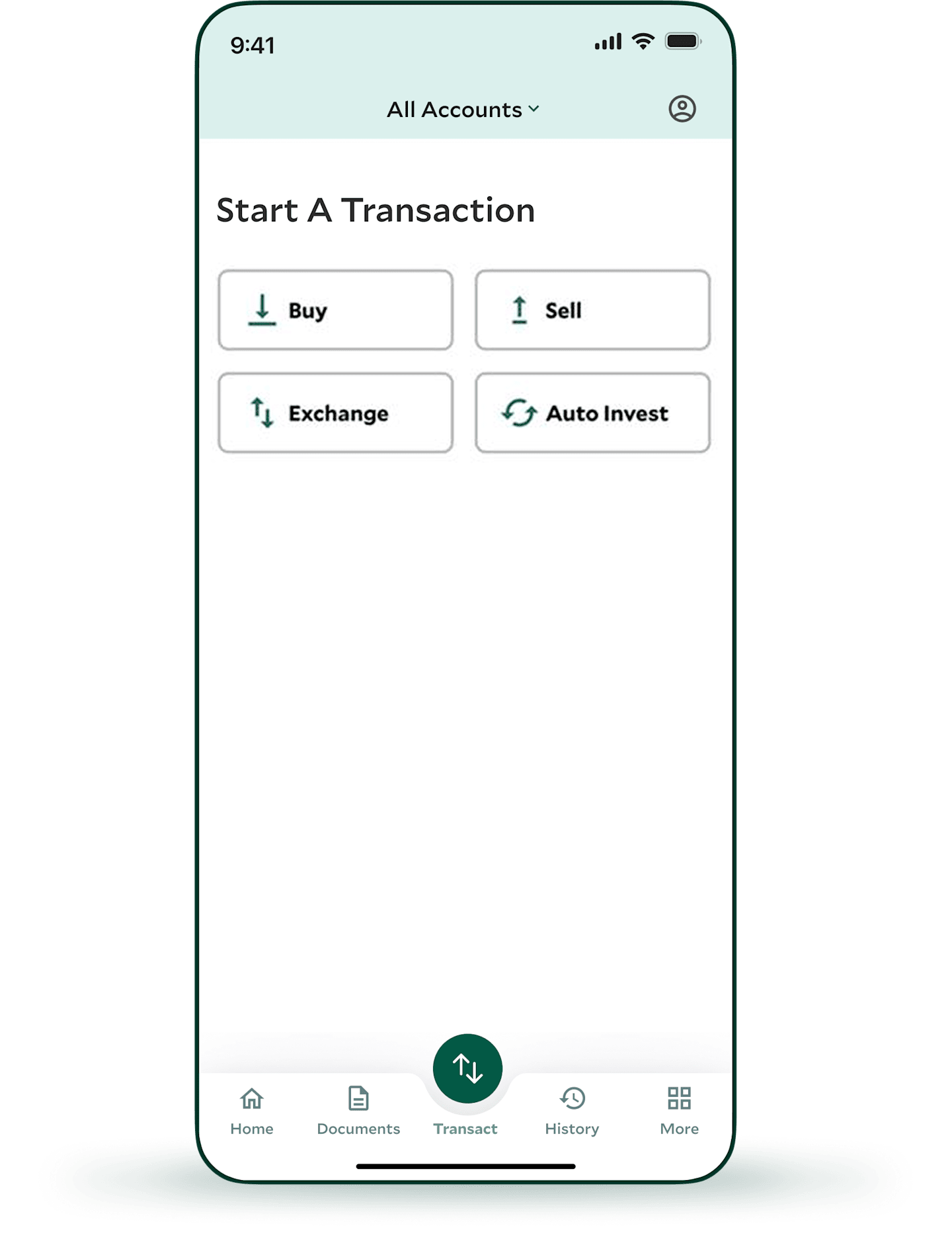
Adding to an existing account is an important way to make progress toward your goals. And it's never been easier or faster to make a one-time investment or set up regular automatic investments. These features are available for traditional IRAs, Roth IRAs and non-retirement mutual fund accounts, and you must have bank information on file with us.
Not available for workplace retirement, 529, brokerage and Private Client Group accounts.
Access Your Documents
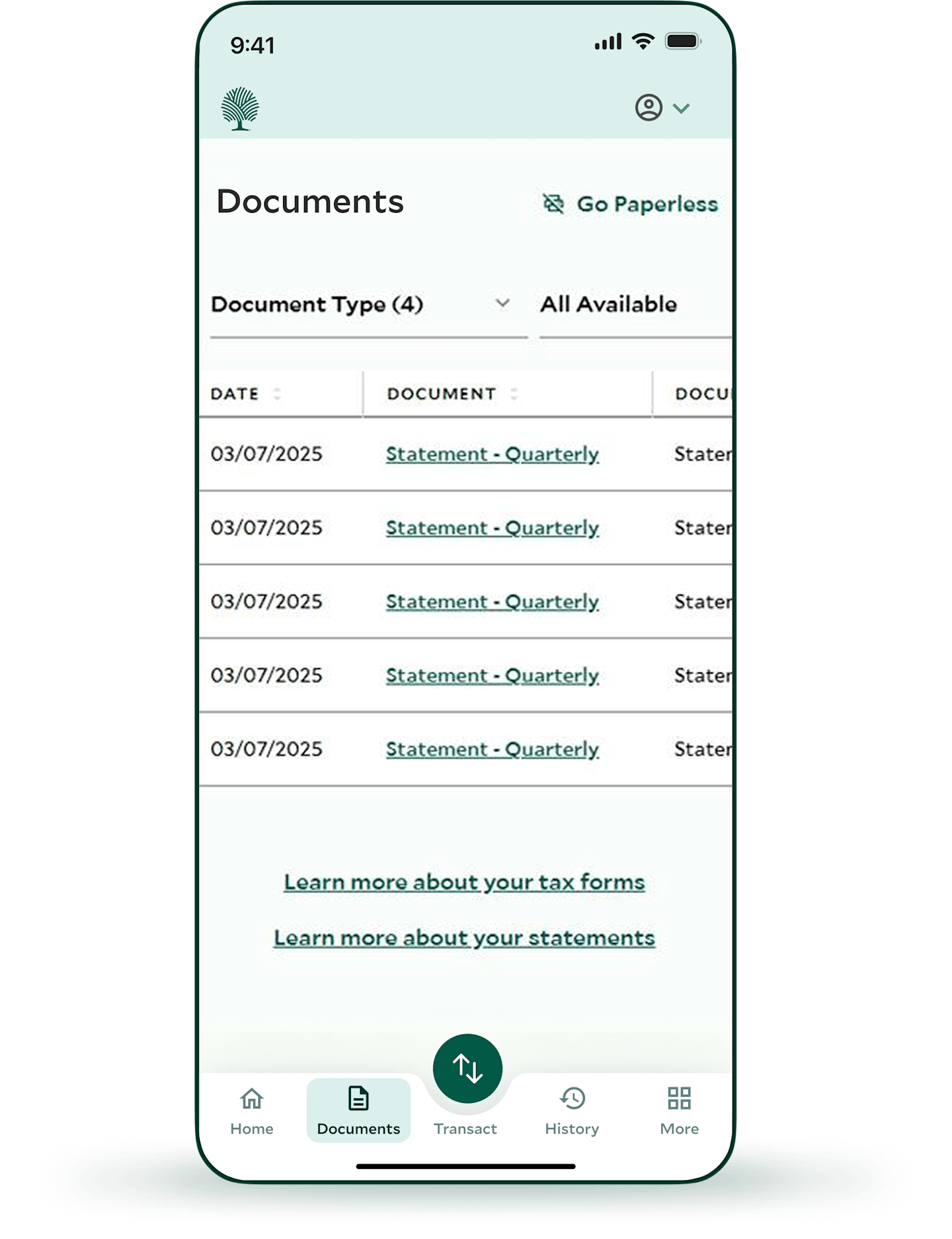
You can now view, download and manage tax forms, account statements and transactions at your fingertips when selecting Documents from the toolbar.
Review Retirement Progress
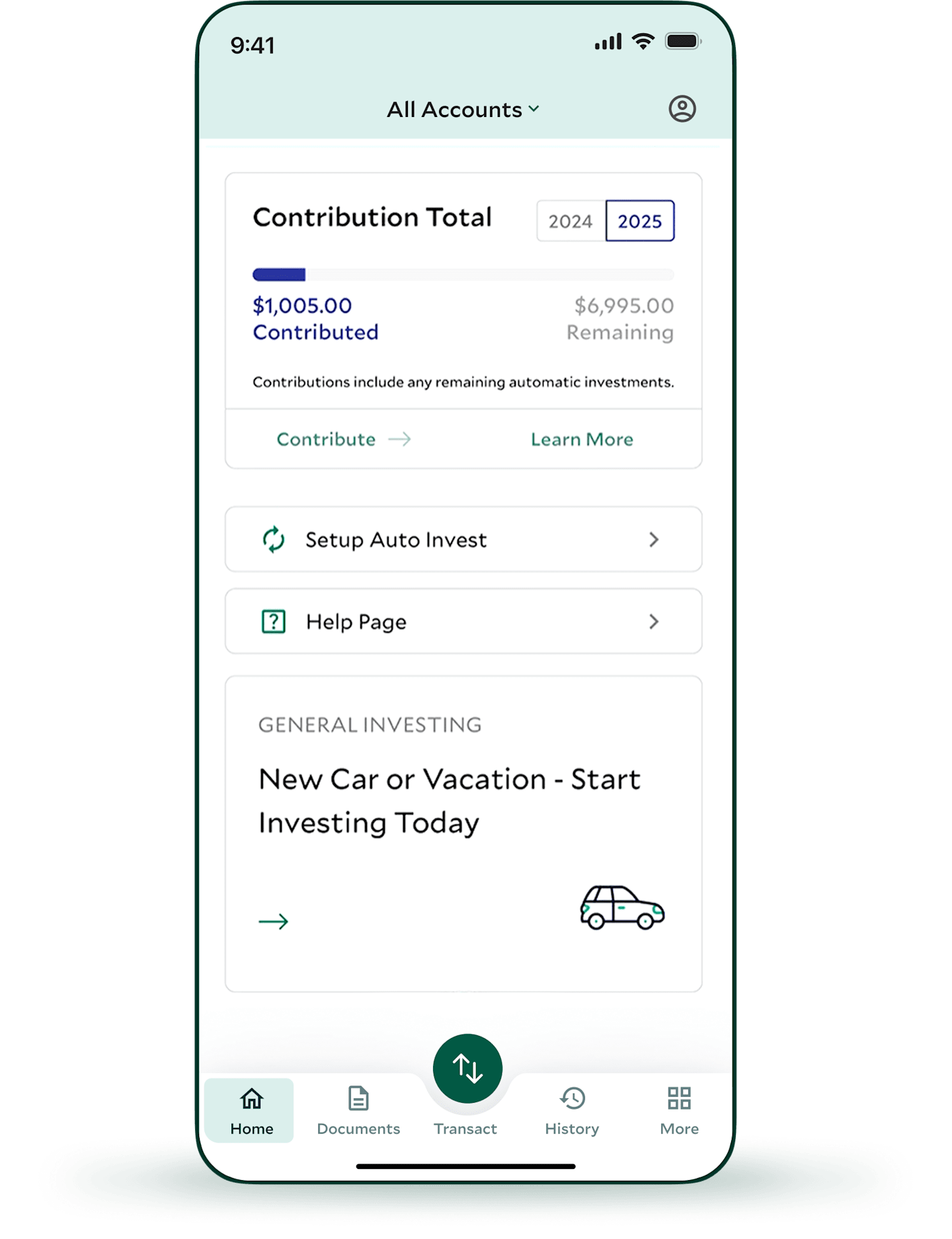
If you are saving for retirement, track this critical goal to:
See the annual contribution limit set by the IRS and your progress toward it.
View your required minimum distribution (RMD) amount.
View your current retirement balance.
Make Changes Quickly
In addition to tracking your investments, the app makes it easy to:
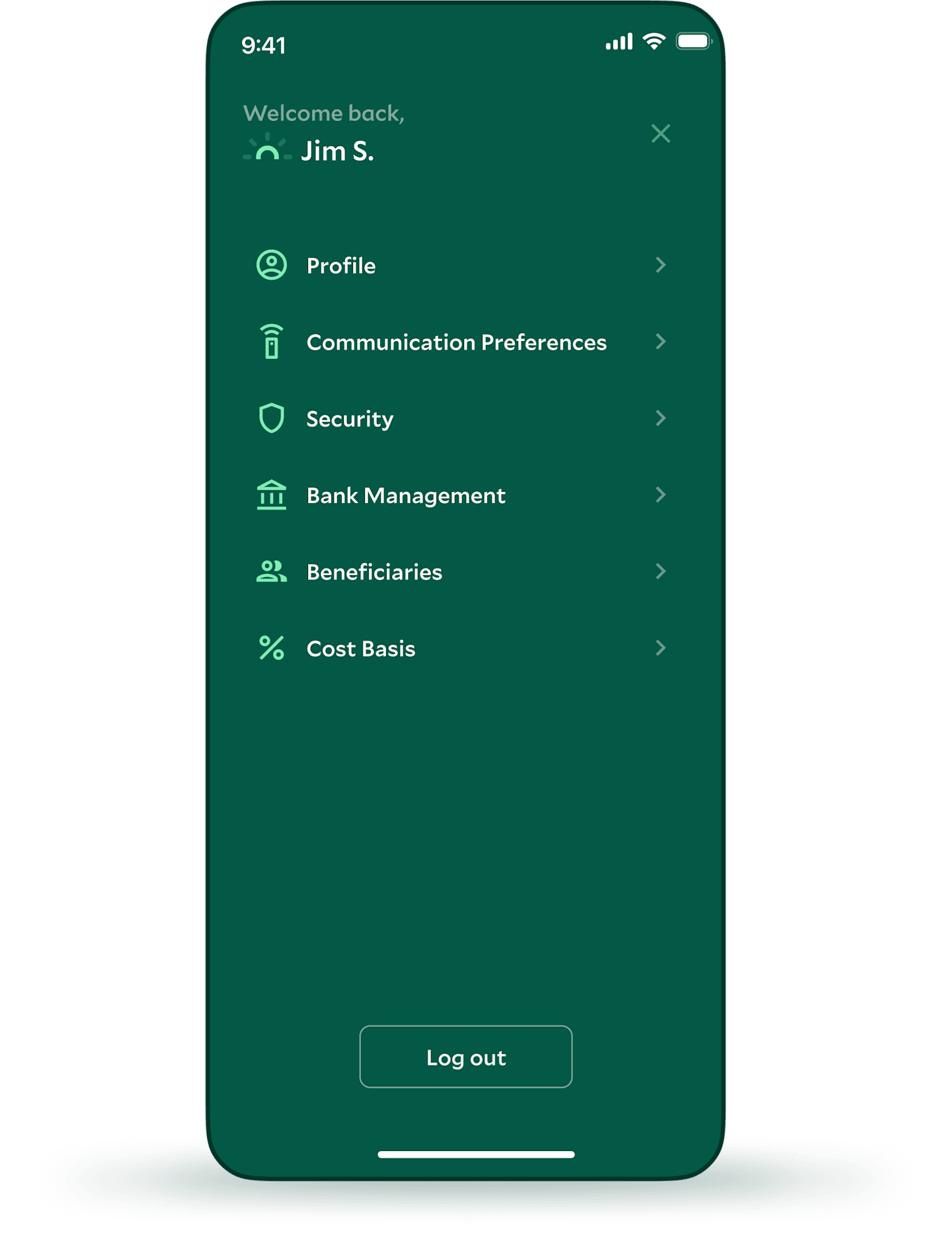
Manage your email, phone number and address on file all in one location under Profile.
Update your statement preferences: Choose all electronic or a mix of paper options under eCommunication Preferences.
Change your security options, such as password, biometric settings (face and touch recognition), multi-factor authentication details and your personal access code options under Security.
Manage your bank accounts on file: View, add and delete banks under Bank Management.
Manage your account beneficiaries on file. You can add individuals or trusts under the Beneficiaries.
View and update your holdings cost basis methods under Cost Basis.
Download the App Now
iOS and Android users: Stay on top of your investing world.
This material has been prepared for educational purposes only. It is not intended to provide, and should not be relied upon for, investment, accounting, legal or tax advice.
Brokerage Services are provided by American Century Brokerage, a division of American Century Investment Services, Inc., registered broker/dealer, member FINRA, SIPC .
Private Client Group advisory services are provided by American Century Investments Private Client Group, Inc., a registered investment advisor. This service is generally for clients with a minimum $50,000 investment. Call us to determine the level of service that is appropriate for you. The advisory service provides discretionary investment management for a fee. All investing involves risk.